Understanding the controller layout in Halo: Reach is essential for optimizing your performance, especially if you are transitioning from previous entries in the series. While many core functions remain consistent, the game introduces specific adjustments to accommodate new mechanics. Having spent significant time testing these configurations, I’ve found that while the button mapping feels familiar to veterans, the nuances in how you execute maneuvers—particularly with the new armor abilities—require a brief period of adjustment.
It is important to note that the D-pad functionality shown in these diagrams reflects the specific build from the Beta. While these layouts provide a solid foundation for your gameplay, you should focus your practice on the primary combat inputs rather than over-analyzing the D-pad features, as some elements evolved between the Beta phase and the final retail release.
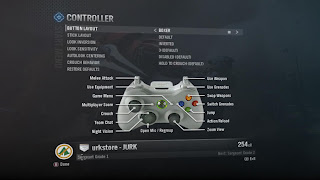
Boxer
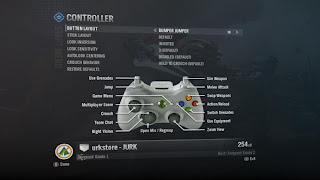
Bumper Jumper
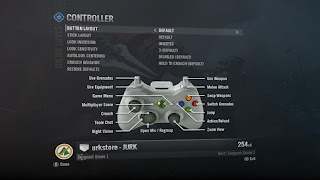
Default

Green Thumb
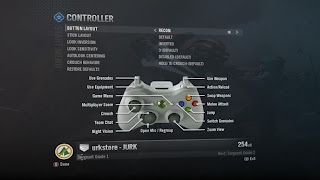
Recon
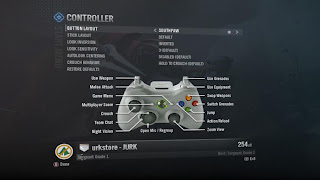
Soutpaw

Boxer

Bumper Jumper

Default

Green Thumb

Recon

Soutpaw